How to Create a Personal Knowledge Management System for Consulting Success

Peter O'Donoghue
Business Development Expert
Consultants are in the knowledge and frameworks game. The more efficiently we can organize, analyze and then synthesize our knowledge the better we become at what we do.
The more we can draw new and valuable distinctions between disparate bits of information to create new frameworks and distinct points of view - the more valuable we become in the marketplace.
You can't stand out as a consultant without a distinct point of view and a knowledge management system to help you create your distinct point of view. This is essential for developing consulting offers and building thought leadership.
Unfortunately, so many consultants haven't changed the way they manage knowledge in the last 20 years. Well, upgrading from physical books to Amazon kindle perhaps.
Our advisory services help consultants develop their unique positioning and knowledge frameworks, while our coaching programs provide accountability for implementing these systems consistently.
Traditionally creating a Knowledge Management System (KMS) Has Been Time Consuming
If you had even been aware of the need to create a KMS the time and effort to create one was prohibitive:
I'm going to show you how by leveraging the latest technology none of these issues need to be a worry for you.
Here's how - step by step:
Step 1: Collect Information Digitally
Every time you read something on the web or in a book, collect it. If you aren't collecting information then you can't create knowledge.
I use a software called Readwise or my new favourite: Reflect App
It's an absolute bargain at $7.99 a month.
A topic for a more detailed newsletter later on, but Readwise has built-in functionality for learning by spaced repetition. Very useful if you are aware of 'The Second Brain' concept popularized by Tiago Forte. This systematic approach to knowledge management supports proactive business development by helping you quickly access relevant expertise when engaging prospects.
Step 2: Pull That Information Into Your Knowledge Management System
Readwise has a good web interface that allows you to add tags to the information but it isn't a knowledge management system.
What it does very well is synch with 3 of the most popular systems available:
- Notion
- Roam
- Obsidian
If you are using one of these systems then you know how good they are. If you aren't then where have you been?
Notion is the most popular app available. It is a whole ecosystem that encompasses project management, to-dos, libraries - the lot. Personally, I have never quite got to grips with it but many people I know can't live without it.
Want to implement this in your consultancy?
Book a free diagnostic to see where your revenue is hiding.
I like simplicity.
Roam and Obsidian are my recommendations if you are just getting started in this area and want to keep things focused.
My current workhorse is a tool called Reflect.
Step 3: Categorize And Connect Data And Information
All of the systems I have mentioned make it very, very easy to draw connections to all of this data and information. I am constantly amazed at what is possible.
Prepare to have your mind blown.
Firstly, you have to rethink the concept of a book, article or research piece. It's no longer necessary to examine it as 1 long piece of work.
A book on sales may have pieces on:
And you don't have to keep that in 1 long piece when you can break it down to its component parts and then look at it with all of the other information you have gathered that relates to those parts.
For example, you can interlink all highlights of text that you have classified as 'time management' regardless of what book, web article or source they came from.
Roam is by far the most advanced (and complex) in this area. Its main feature is 'bi-directional linking'.
Bi-directional Linking
Bi directional linking allows you to select any word or text and create a new 'page' for it. That page then has links out from it to every source that you have tagged or linked as having that association.
So at the click of a mouse, you can see every line or paragraph from every content source you have ever mapped that you define as having that categorization.
That Is mind-blowingly powerful.
It's then a case of finishing a book, readwise imports the highlights and you then going and categorize the lines or paragraphs and they will be forever valuable in your KMS.
But wait... There's more...
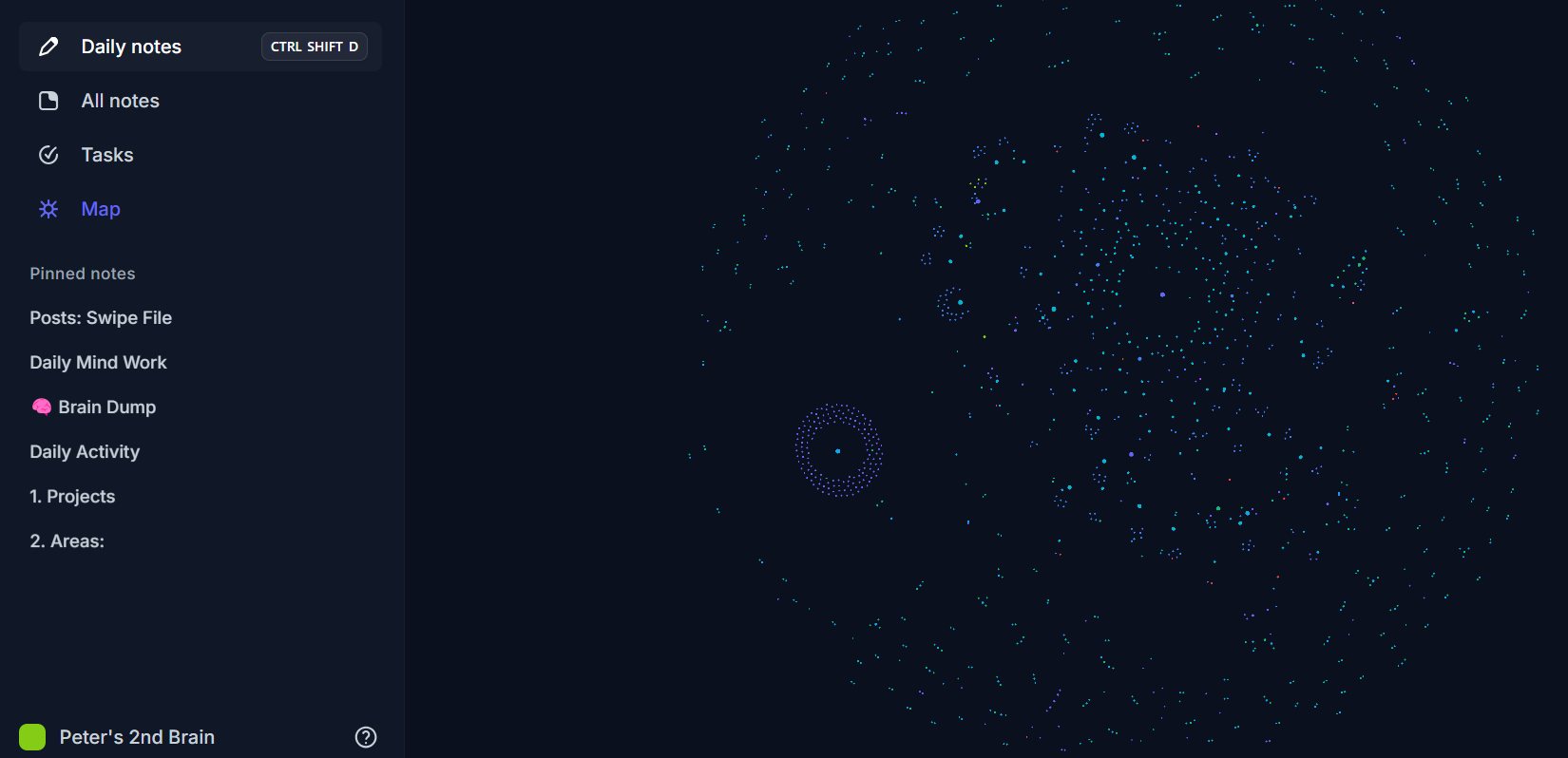
Roam can produce a graph of connections between all of your data so you can get a visual link and spot patterns that might not be visible when looking at content pieces in isolation.
Alternative Step 3: Categorize And Connect Data And Information - Heptabase
This is a variation to step 3 using a new software I just stumbled upon. The process to get data in is harder but the application and usability I find to be the best there is on the market right now.
Heptabase has 4 core elements:
1. Cards: These are small text areas
2. Tags: These can be added to cards to classify them. There can be multiple.
3. Bi-directional links: Can be used to select any text in a card and create a new card from that 'topic' that has in and out links to all other lines or paragraphs associated with that topic.
4. Whiteboards: Visual boards where you can add any selected cards or all cards with a certain tag.
The combination is powerful. Let me show you:
You can use a bidirectional link on a phrase to help create a record of all instances where you have information on a specific topic. If you click that little blue link you'll have a referenced page with all of the information from every source relating to that topic in your knowledge base.
Or you could take the entire book and break it down into lots of mini cards. These cards can then be added to 1 or more visual whiteboards.
A traditional whiteboard that records the whole book but broken down into different topic classifications, or a whiteboard can have every card ever created associated with a particular topic, where you can form associations and spot patterns.
You can select every content piece with a particular tag and add them all to a whiteboard for you to classify, see interlinks and enhance your knowledge.
All of the information can be toggled to show the full text and can be pulled into new cards. It's this daily usability that makes this so valuable for me.
Need to write an article on 'selling to senior execs'? Let me pull up everything I have ever classified as being relevant.
Have a client struggling with positioning? Let me pull up all my references and frameworks.
You get the picture!
If you are a knowledge worker then you absolutely must be investing time learning how to develop AND APPLY knowledge and not just the contextual information around your specialty.
Follow the process above and you'll be a huge way down the path to excellence in this area.
Build a BD System That Runs Without You
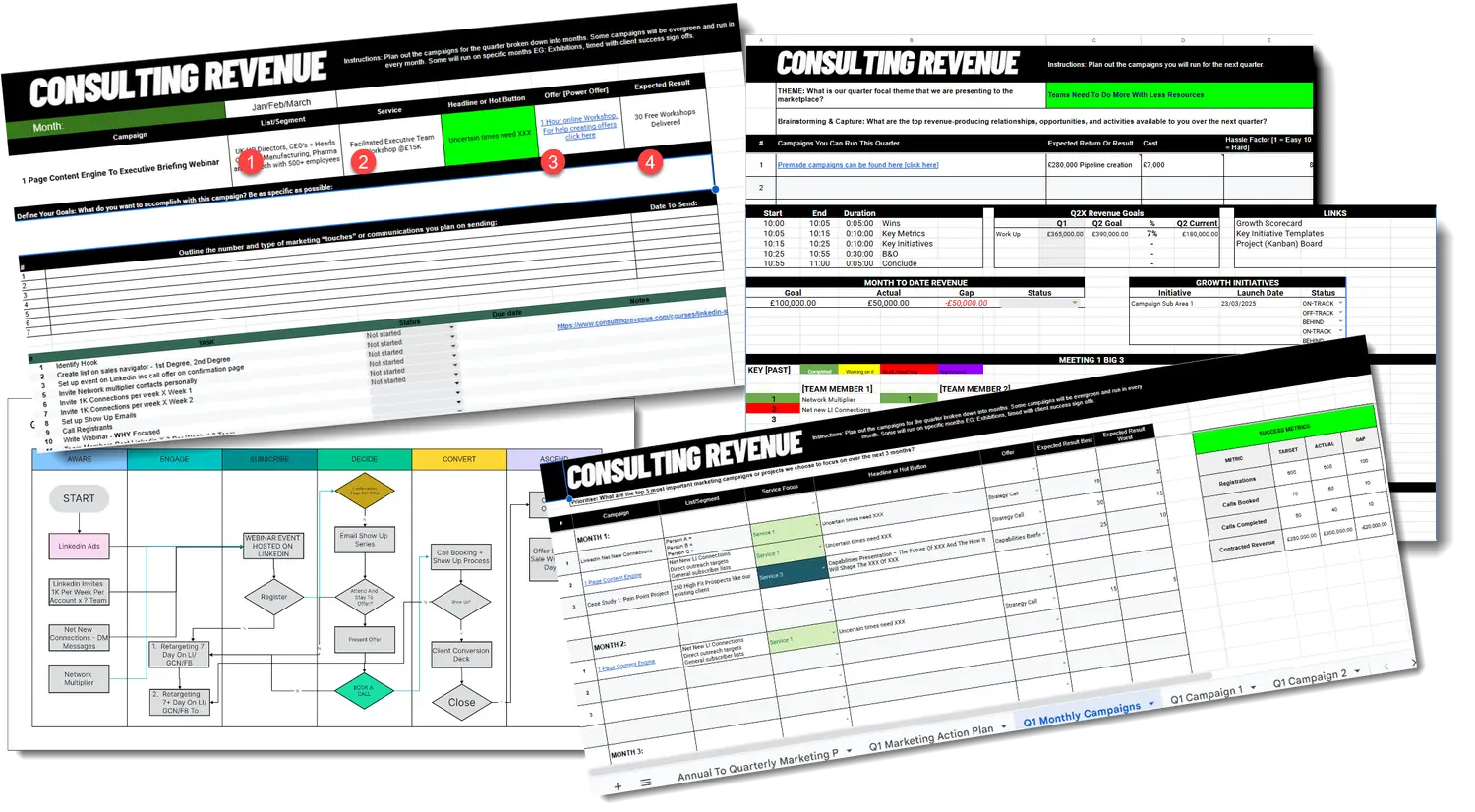
Download the Revenue Engine Builder. A strategic and tactical framework for building a repeatable, predictable business development system inside your consultancy.